Prompt Examples
Real-world examples showing what MidiPilot can do. Each prompt below has been tested with actual AI models. Copy them, adapt them, or use them as inspiration for your own creations.
🎵 Composing
Generate full compositions from a single prompt
✏️ Editing
Transform, transpose, quantize, and restructure
🎶 Harmony
Add chords, analyze progressions, reharmonize
🎼 Arrangement
Orchestrate, add instruments, revoice parts
🔄 Conversion
Clean up MIDI files, fix channels, reorganize
🎮 FFXIV Bard
Convert for Final Fantasy XIV Bard Performance
❓ About the Editor
Ask how a feature works and get the manual’s answer
⭐ Featured: Metal Mozart
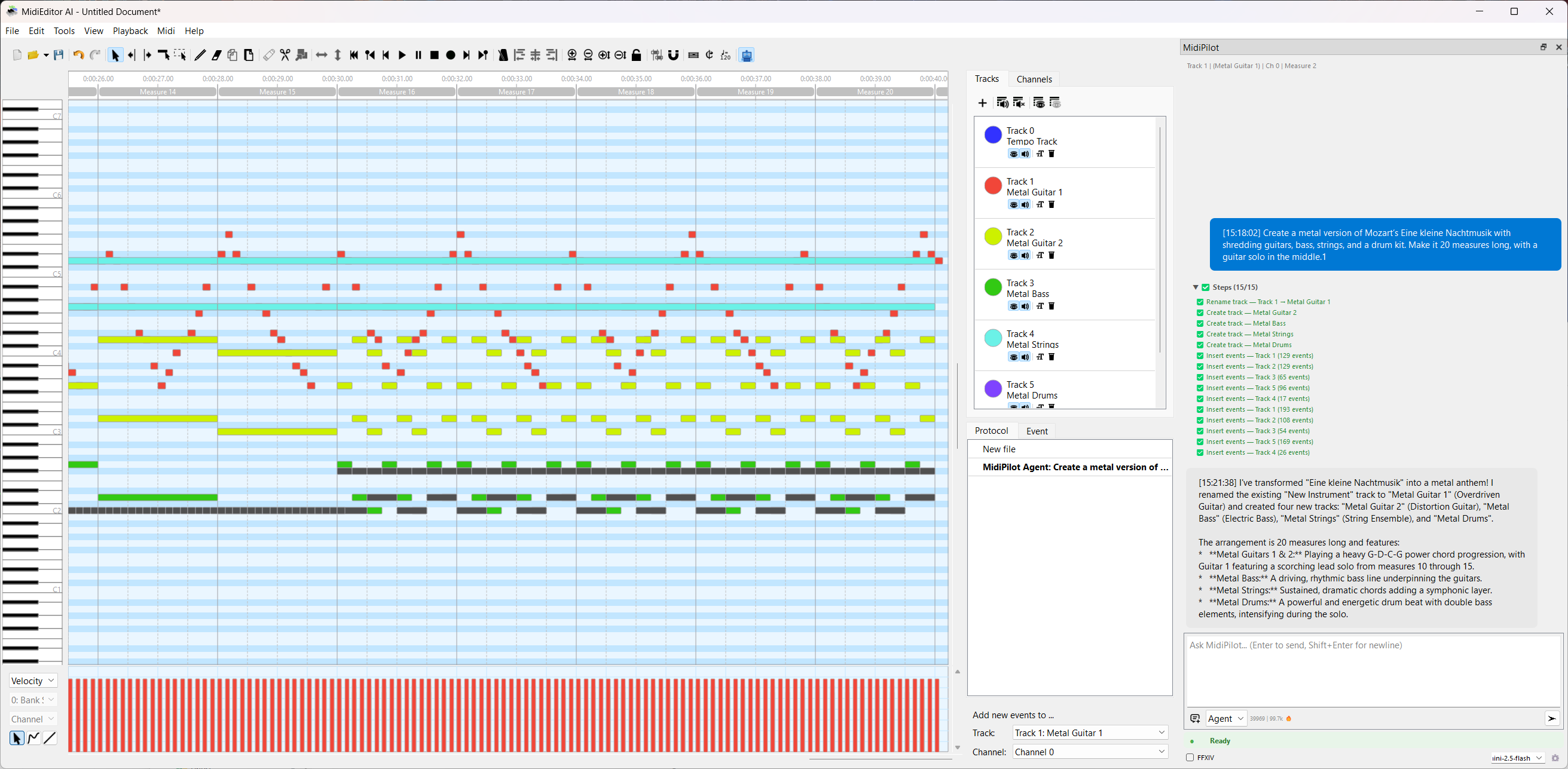
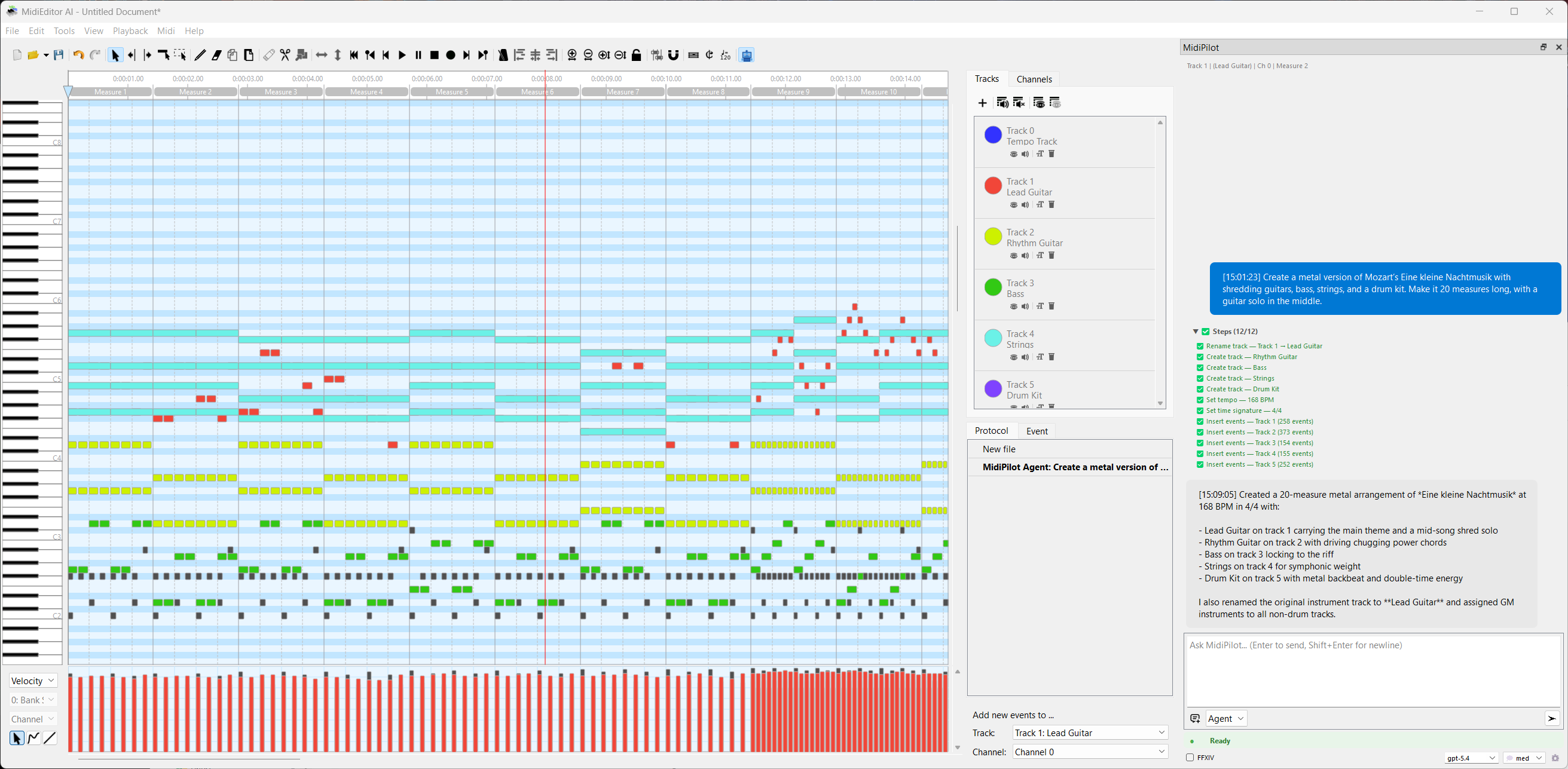
This example demonstrates MidiPilot’s Agent mode at full power - composing a complete multi-track arrangement from a single prompt using Gemini 2.5 Flash.
Create a metal version of Mozart’s Eine kleine Nachtmusik with shredding guitars, bass, strings, and a drum kit. Make it 20 measures long, with a guitar solo in the middle.
The AI executes multiple tool calls iteratively - creating tracks for each instrument, setting tempo to 160+ BPM, inserting note patterns, and building the arrangement step by step. The status bar shows real-time progress with tool call counts.
🎬 Video: Full Agent Run
Watch the complete agent run from prompt to finished composition:
🔊 Audio Preview
Hear the result - the MIDI output played back through GM instruments:
🎸 Follow-Up: Adding a Guitar Solo
After the initial composition, a follow-up prompt adds a shredding guitar solo in the middle section:
🎶 Follow-Up: Adding Harmony
Another follow-up prompt enriches the arrangement with additional harmony parts:
🎵 Composing & Generating
MidiPilot can compose full pieces from scratch. Be specific about tempo, key, instruments, length, and style for best results.
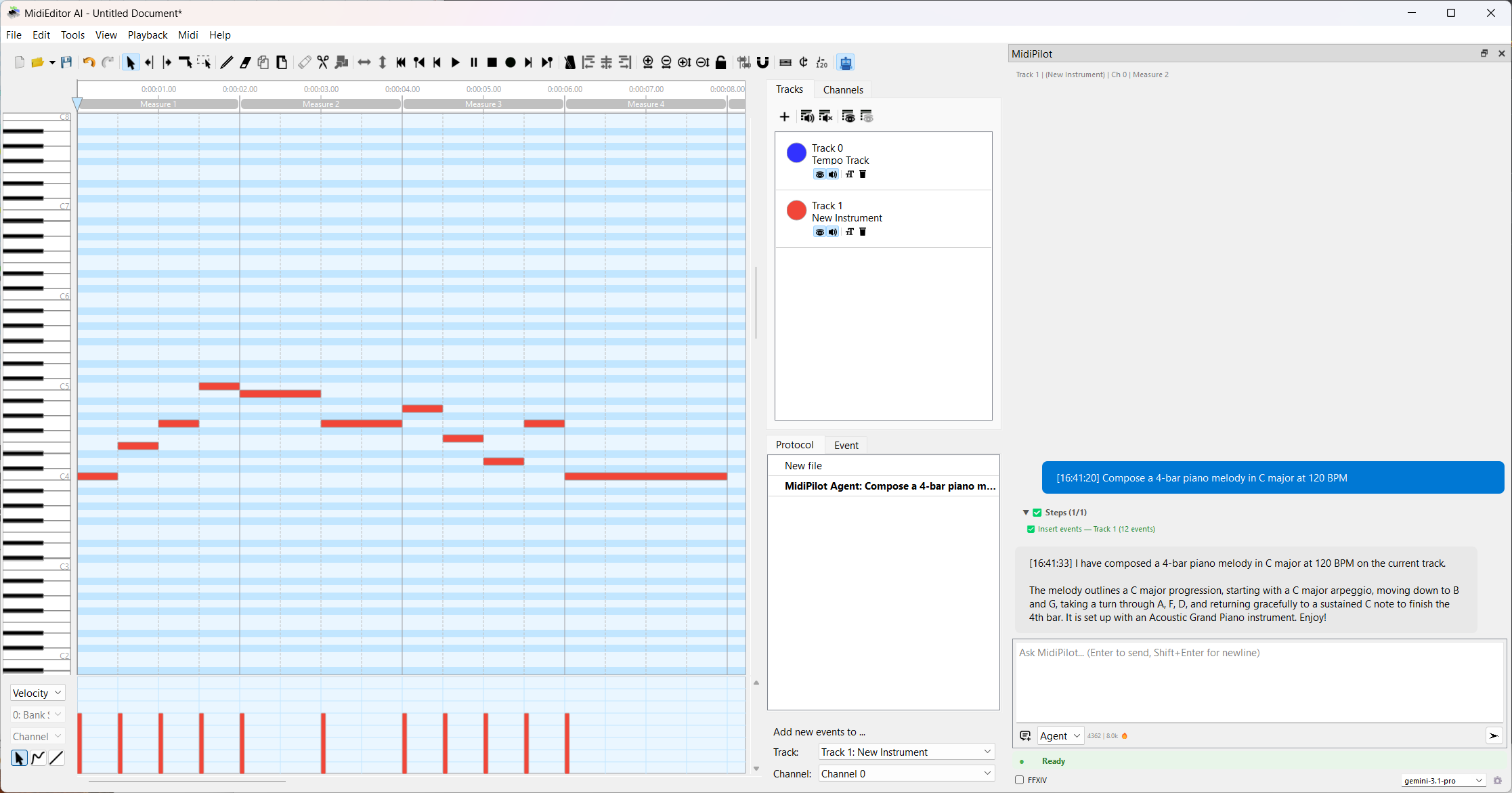
Compose a 4-bar piano melody in C major at 120 BPM
Create an 8-bar jazz waltz in Bb major with piano, upright bass, and brushed drums. Use a I-vi-ii-V progression.
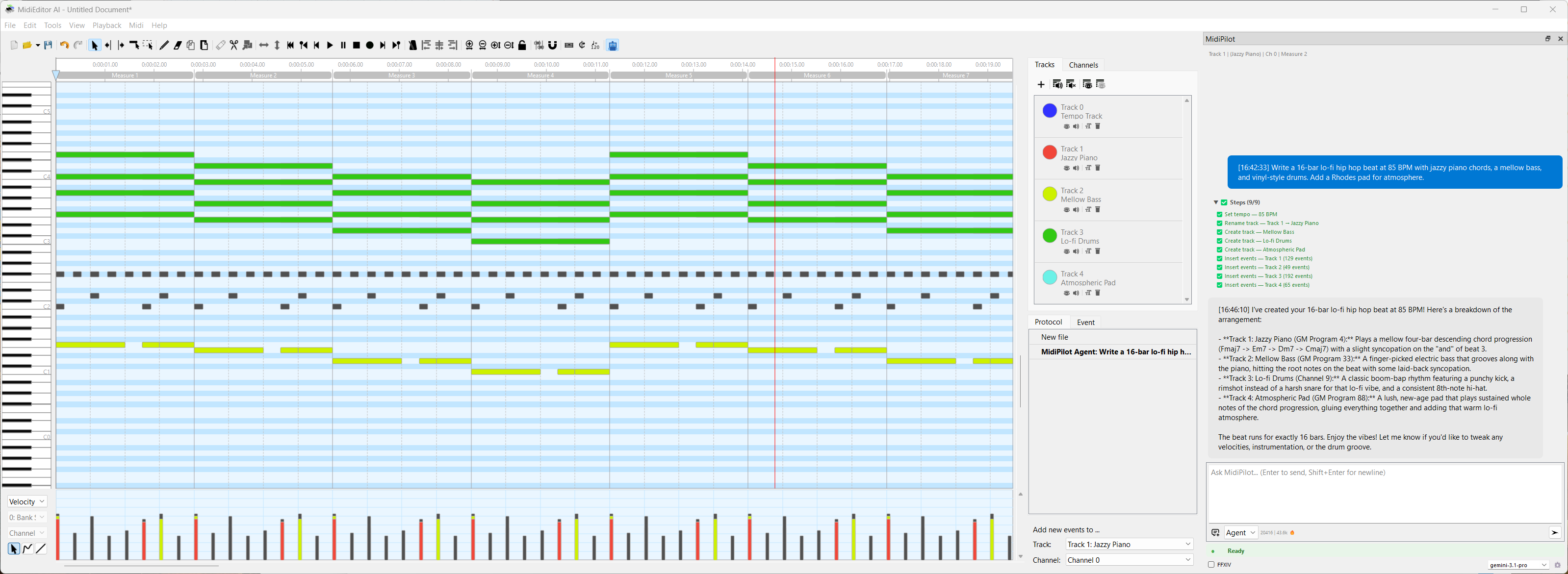
Write a 16-bar lo-fi hip hop beat at 85 BPM with jazzy piano chords, a mellow bass, and vinyl-style drums. Add a Rhodes pad for atmosphere.
Compose a 12-bar Baroque-style invention for two voices (right hand and left hand) in D minor. Use counterpoint with imitation at the octave.
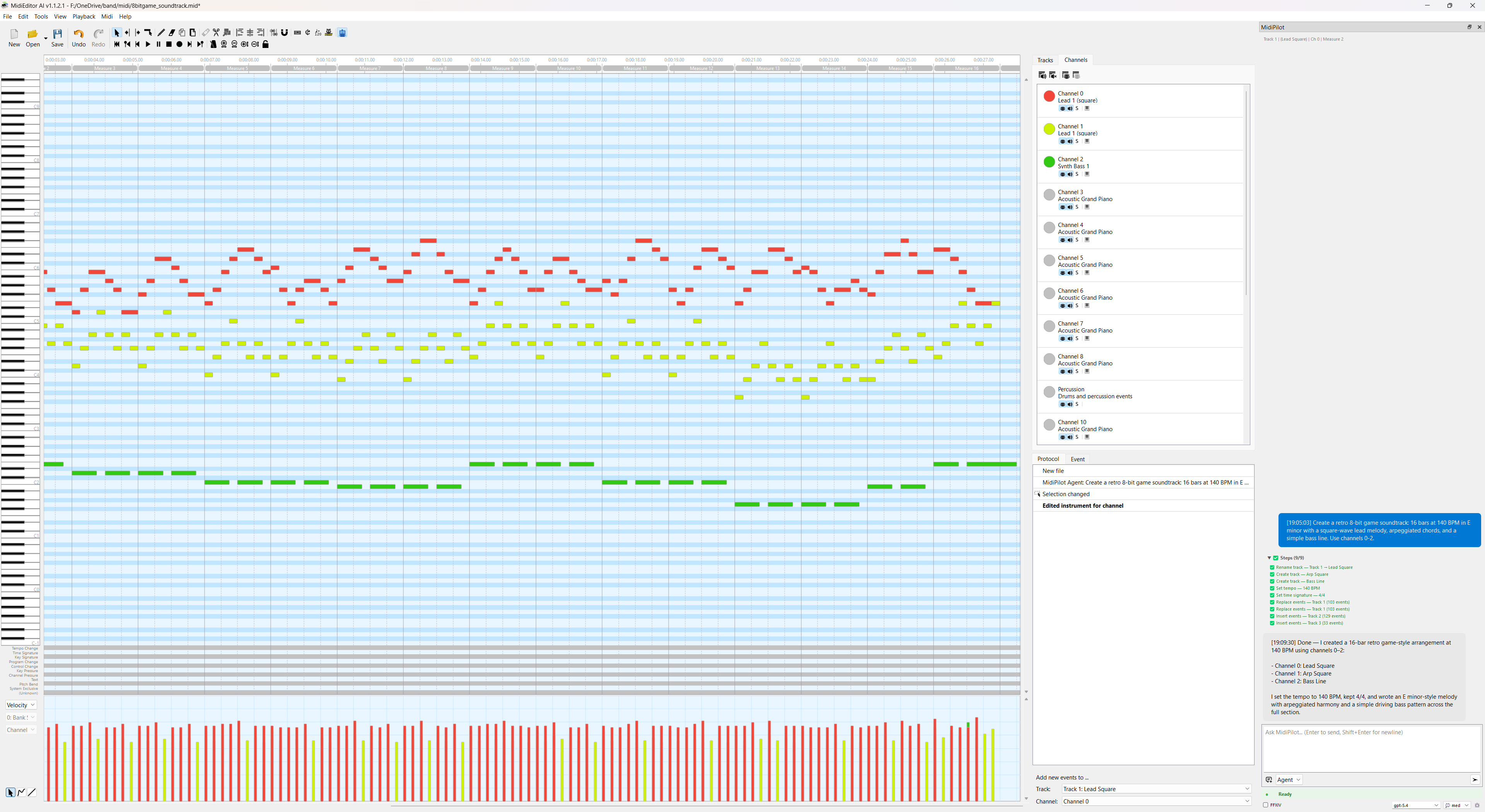
Create a retro 8-bit game soundtrack: 16 bars at 140 BPM in E minor with a square-wave lead melody, arpeggiated chords, and a simple bass line. Use channels 0-2.
✏️ Editing & Transforming
Transform existing MIDI data with natural language. MidiPilot can read the current file state and apply targeted modifications.
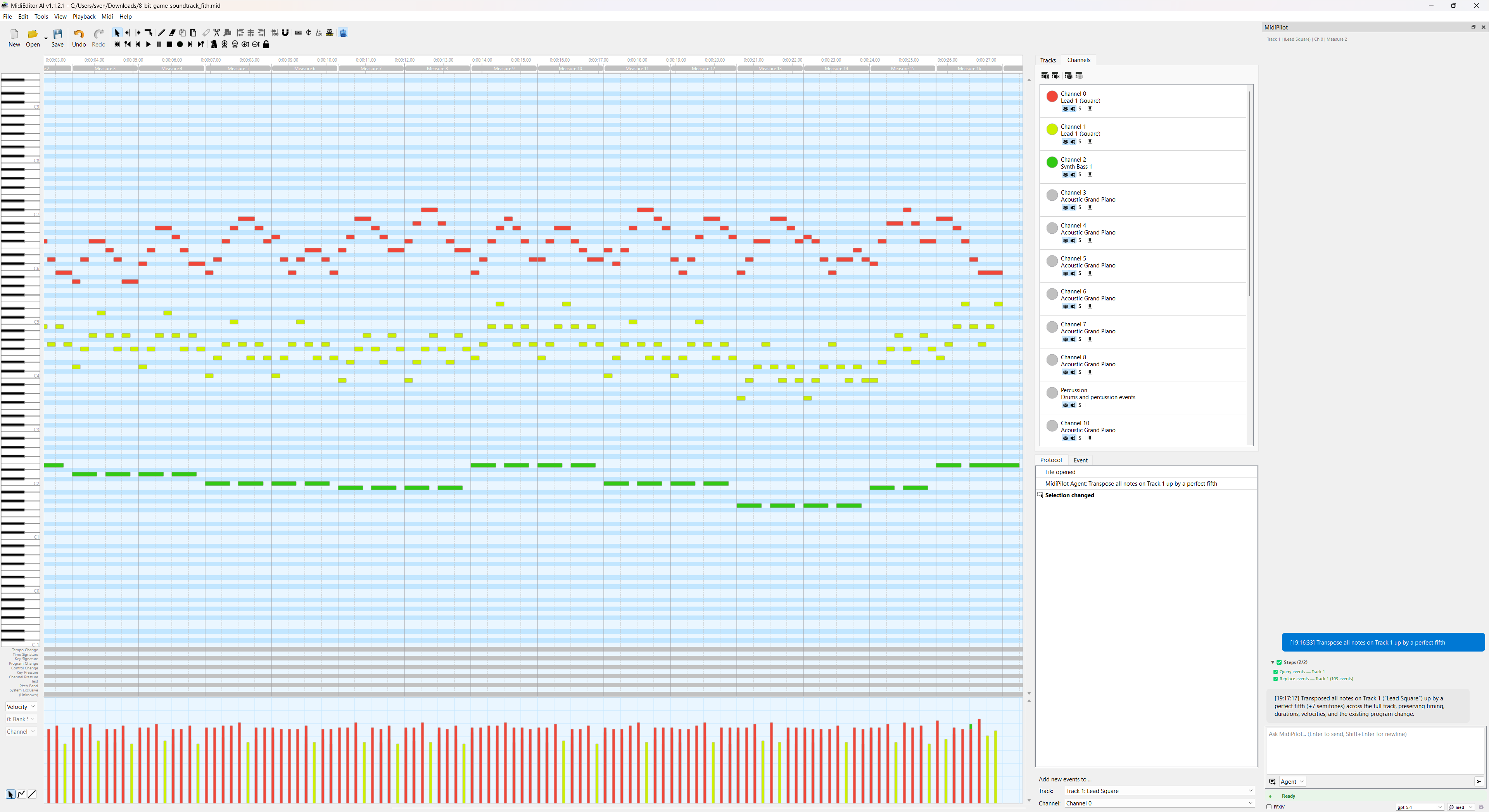
Transpose all notes on Track 1 up by a perfect fifth
The lead guitar sits too high to be playable. Move the whole track down one octave, and fold anything that is still outside C3-C6 back into that range by octaves. Tell me if any note had to stay where it was.
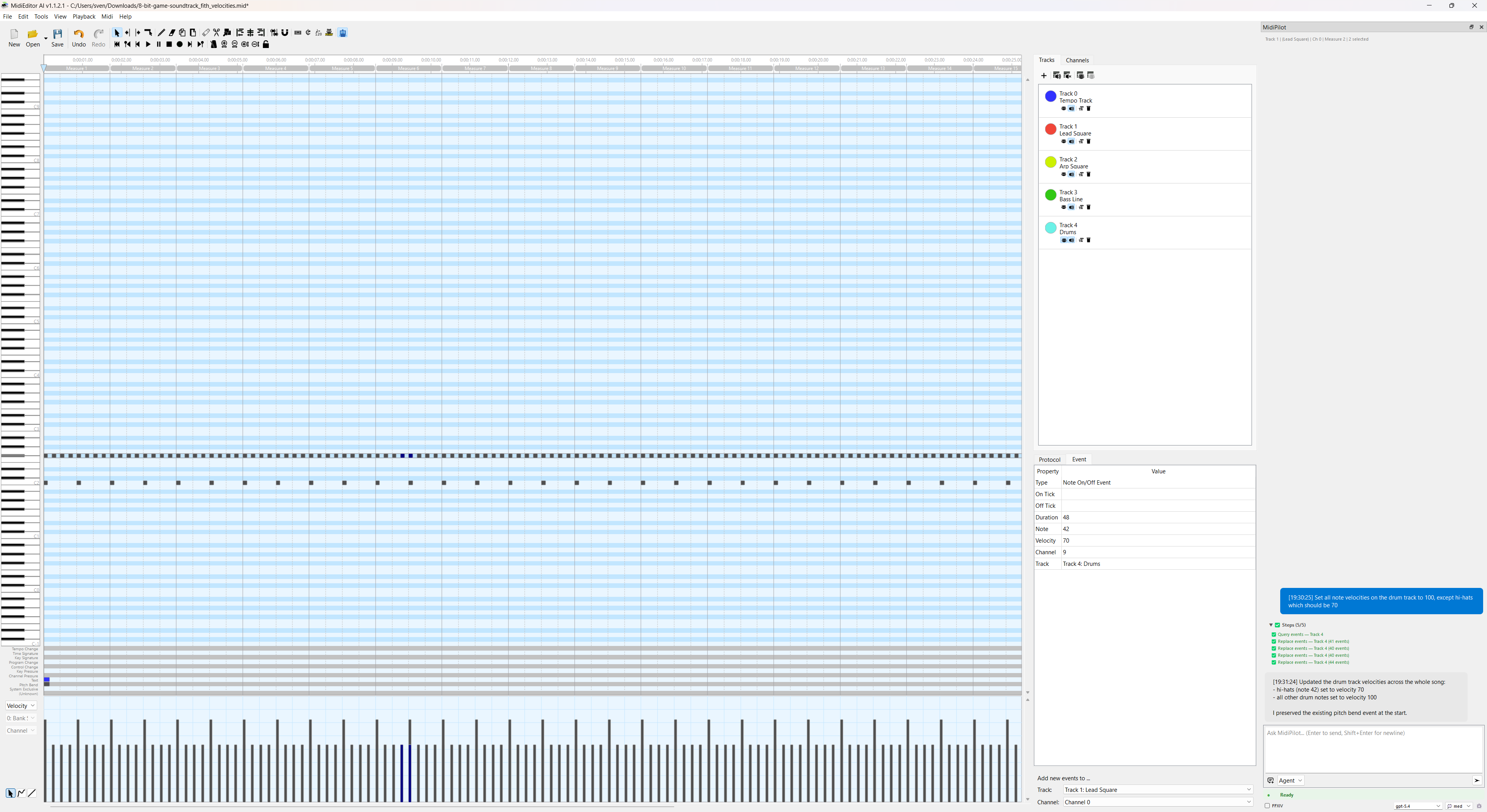
Set all note velocities on the drum track to 100, except hi-hats which should be 70
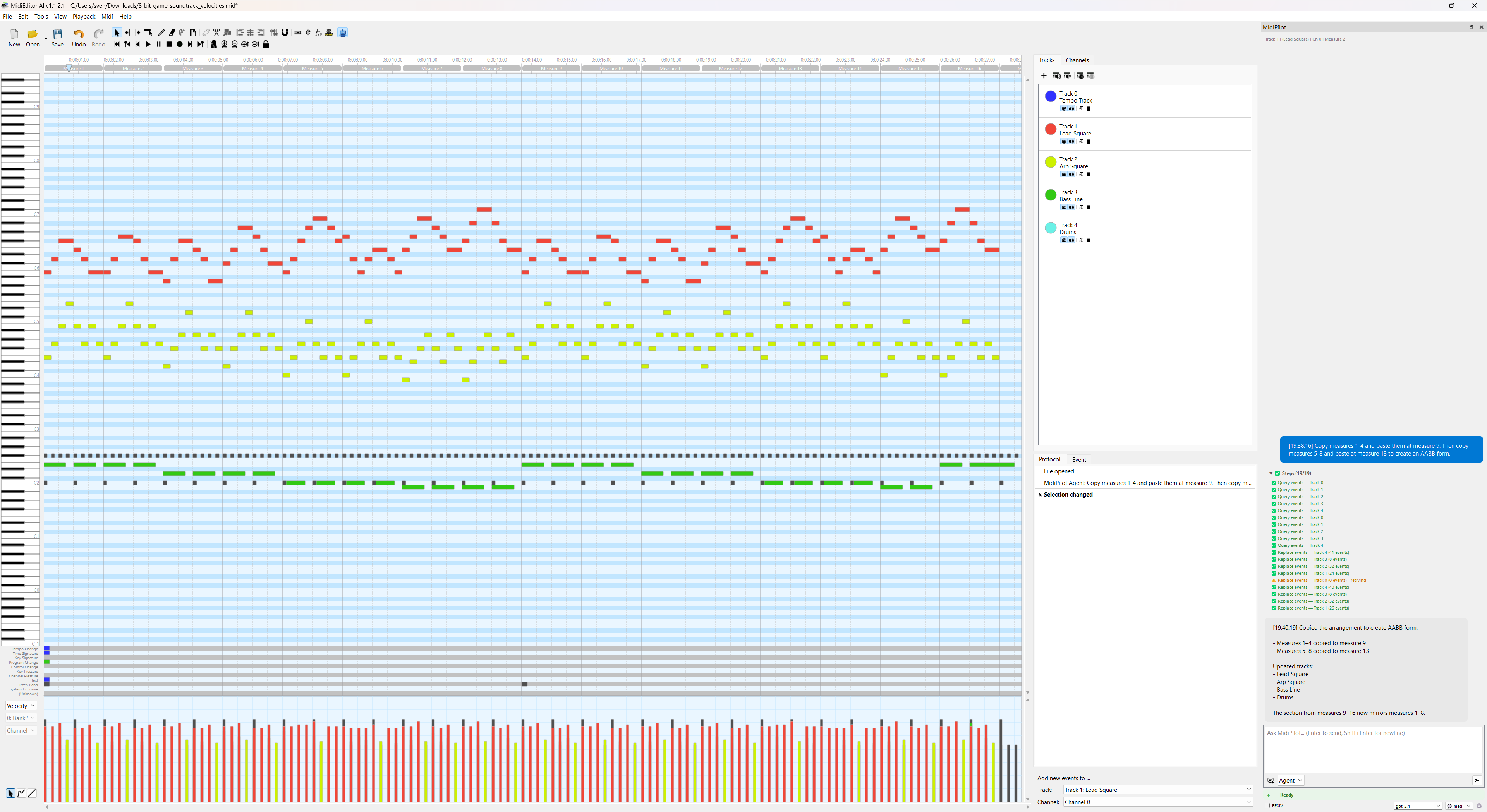
Copy measures 1-4 and paste them at measure 9. Then copy measures 5-8 and paste at measure 13 to create an AABB form.
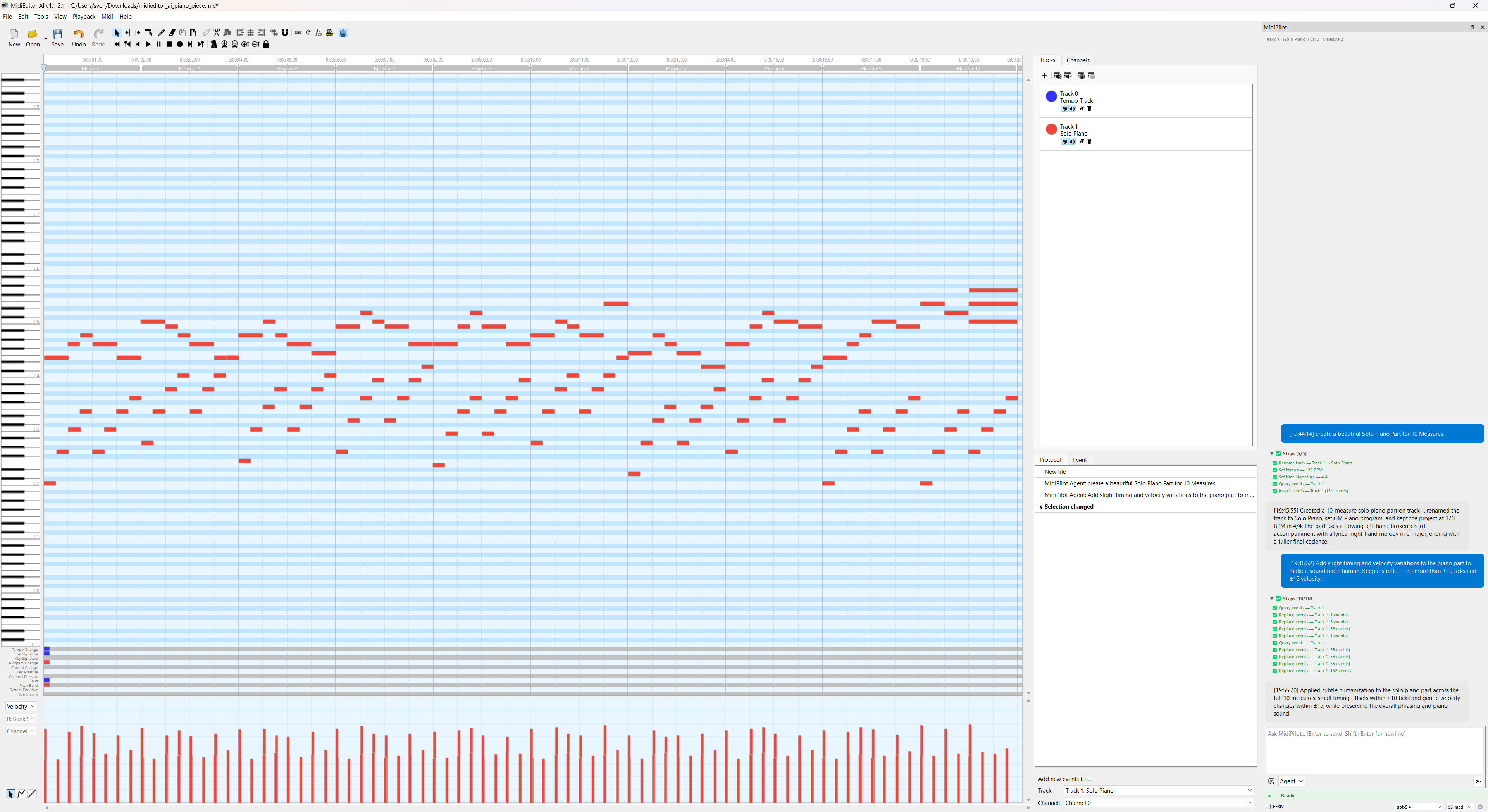
Add slight timing and velocity variations to the piano part to make it sound more human. Keep it subtle - no more than ±10 ticks and ±15 velocity.
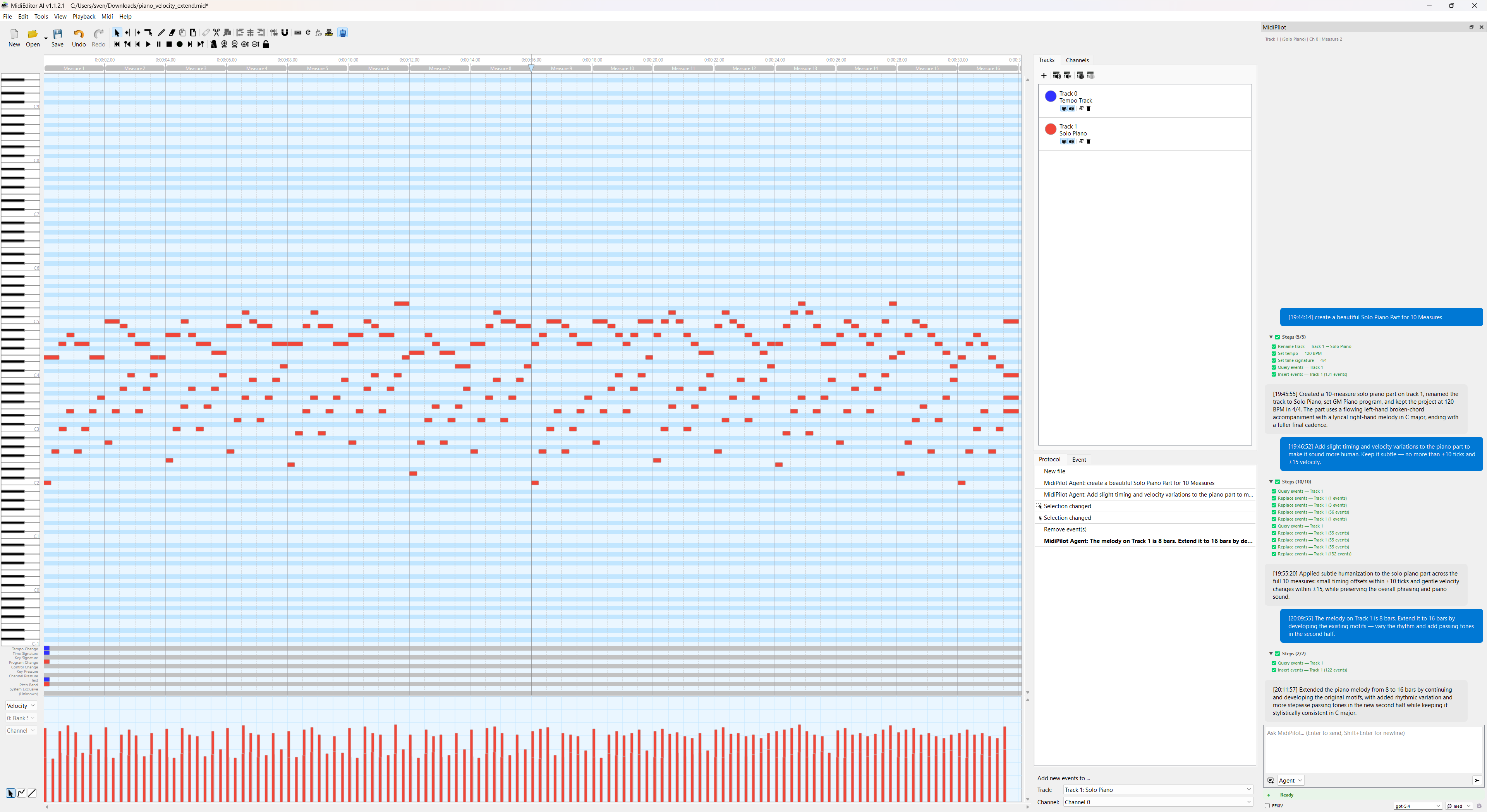
The melody on Track 1 is 8 bars. Extend it to 16 bars by developing the existing motifs - vary the rhythm and add passing tones in the second half.
🎶 Harmony & Theory
Let the AI analyze your music and add harmonically correct parts.
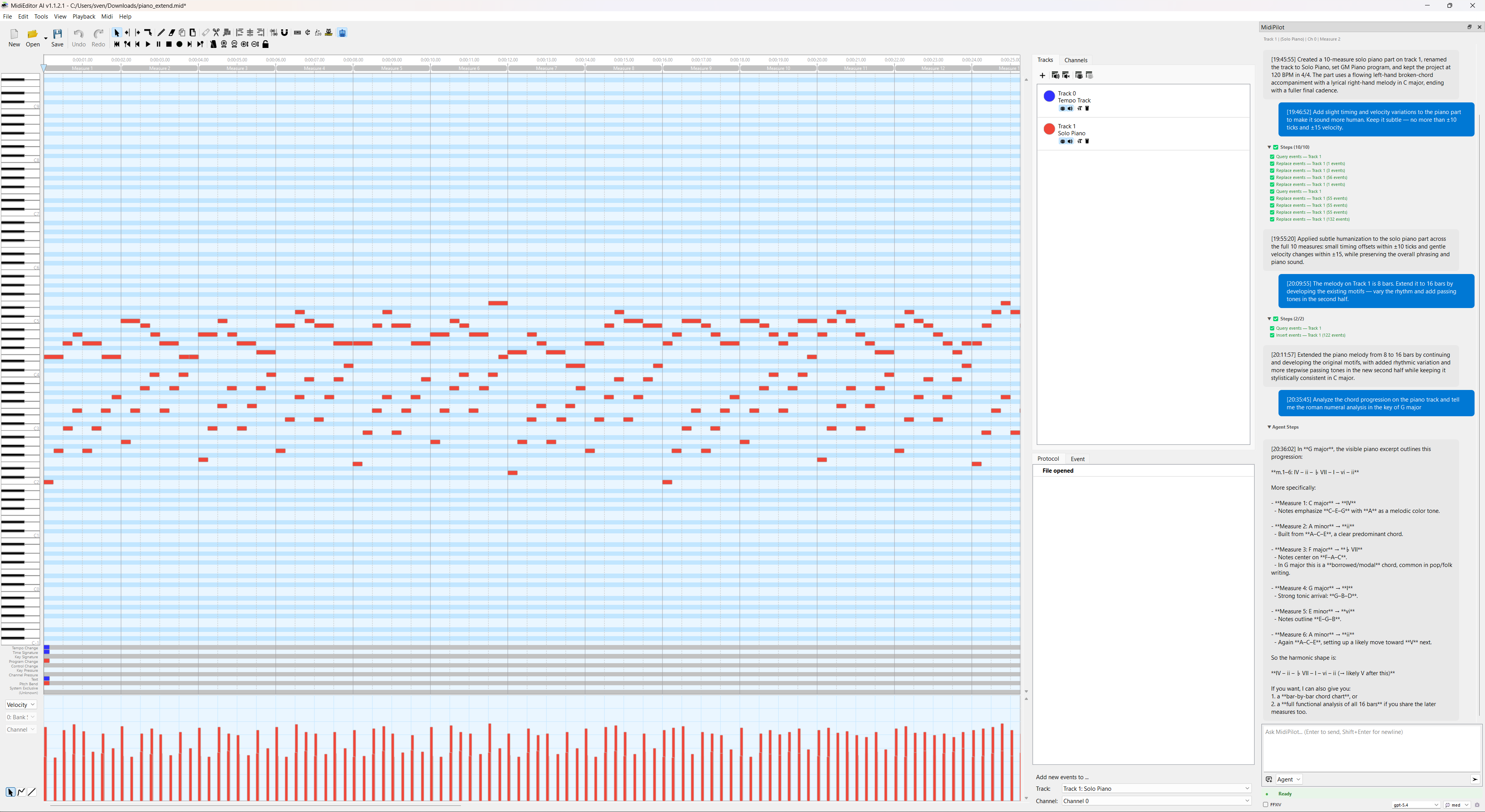
Analyze the chord progression on the piano track and tell me the roman numeral analysis in the key of G major
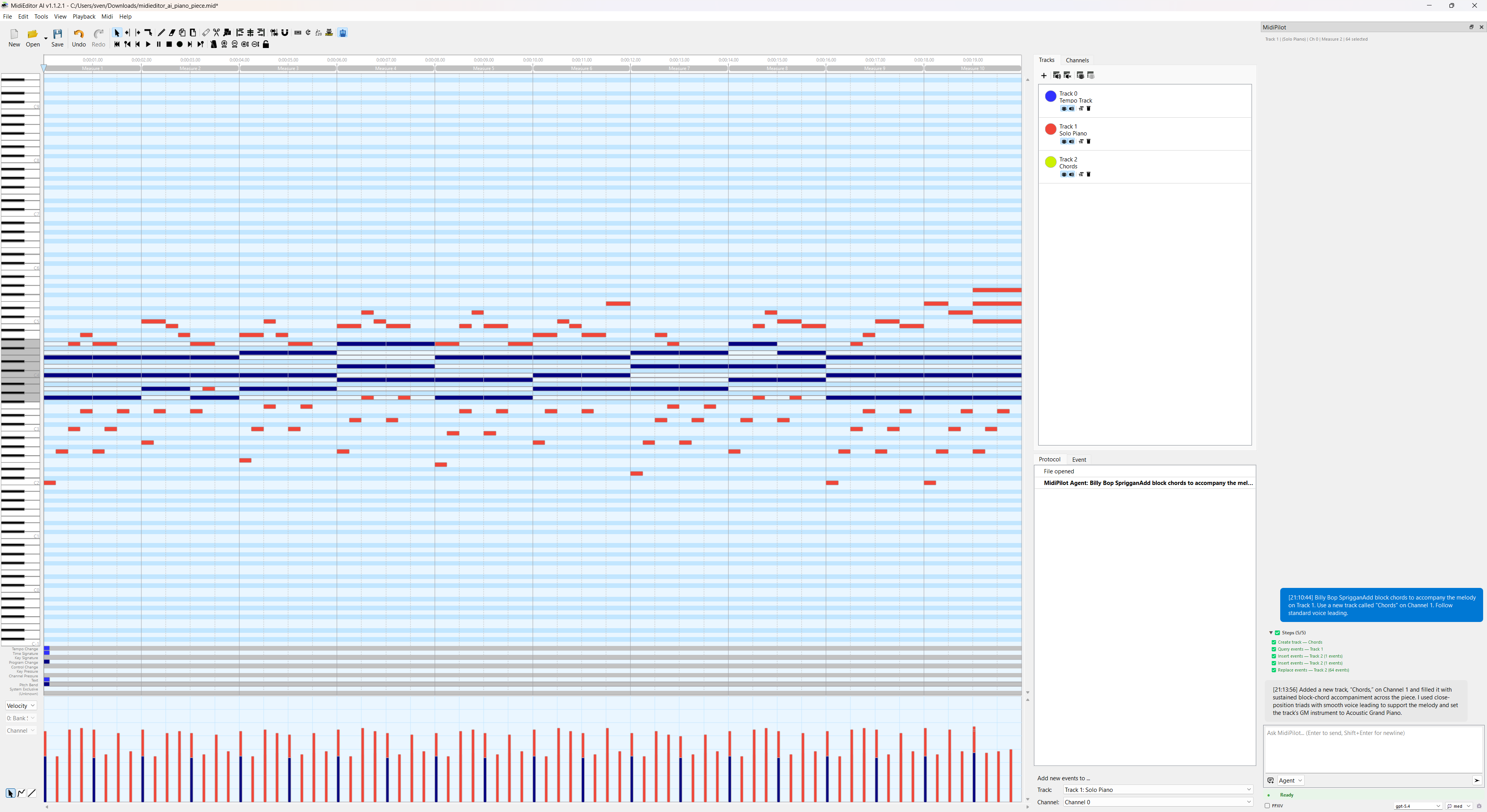
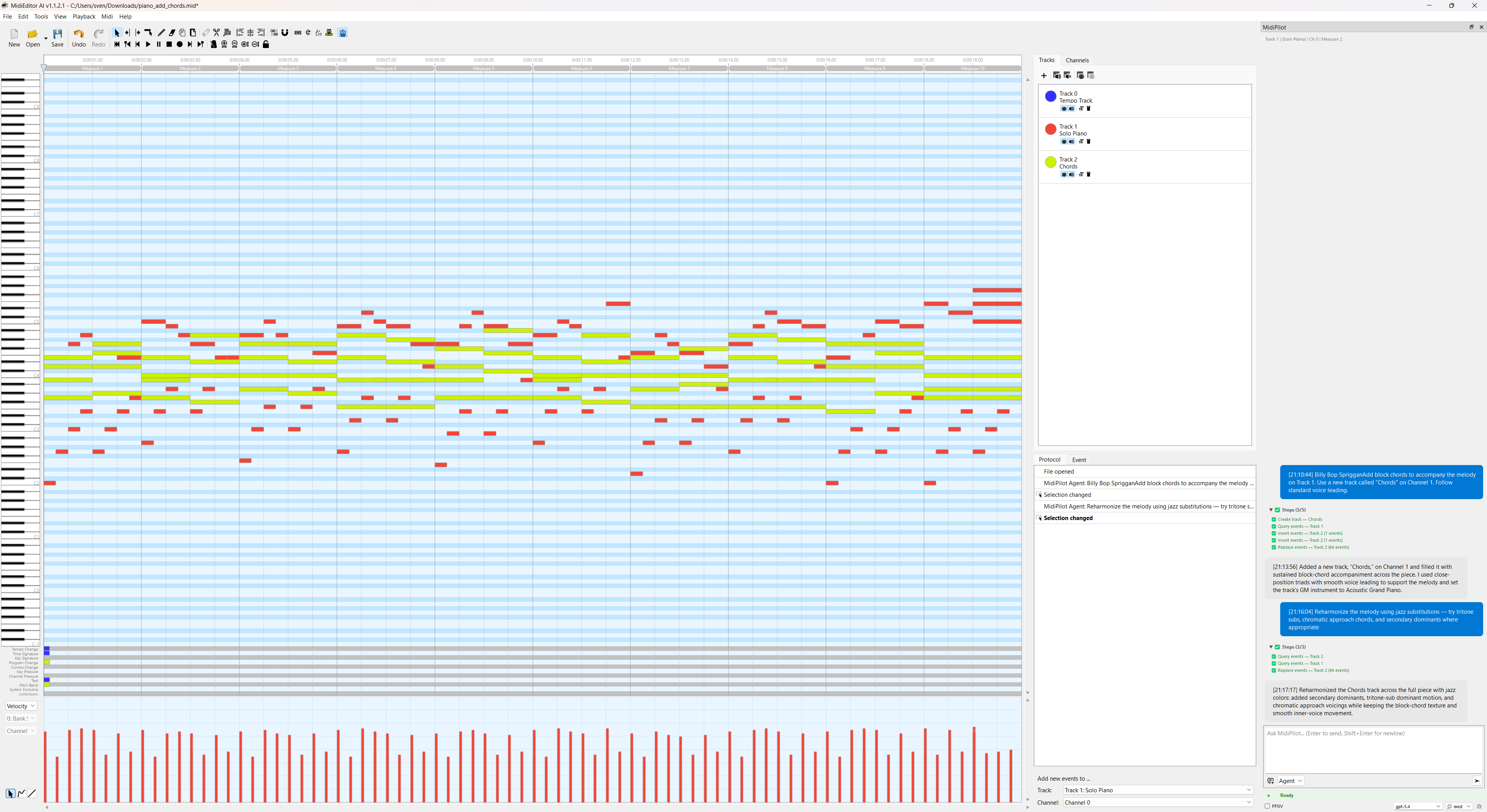
Add block chords to accompany the melody on Track 1. Use a new track called "Chords" on Channel 1. Follow standard voice leading.
Reharmonize the melody using jazz substitutions - try tritone subs, chromatic approach chords, and secondary dominants where appropriate
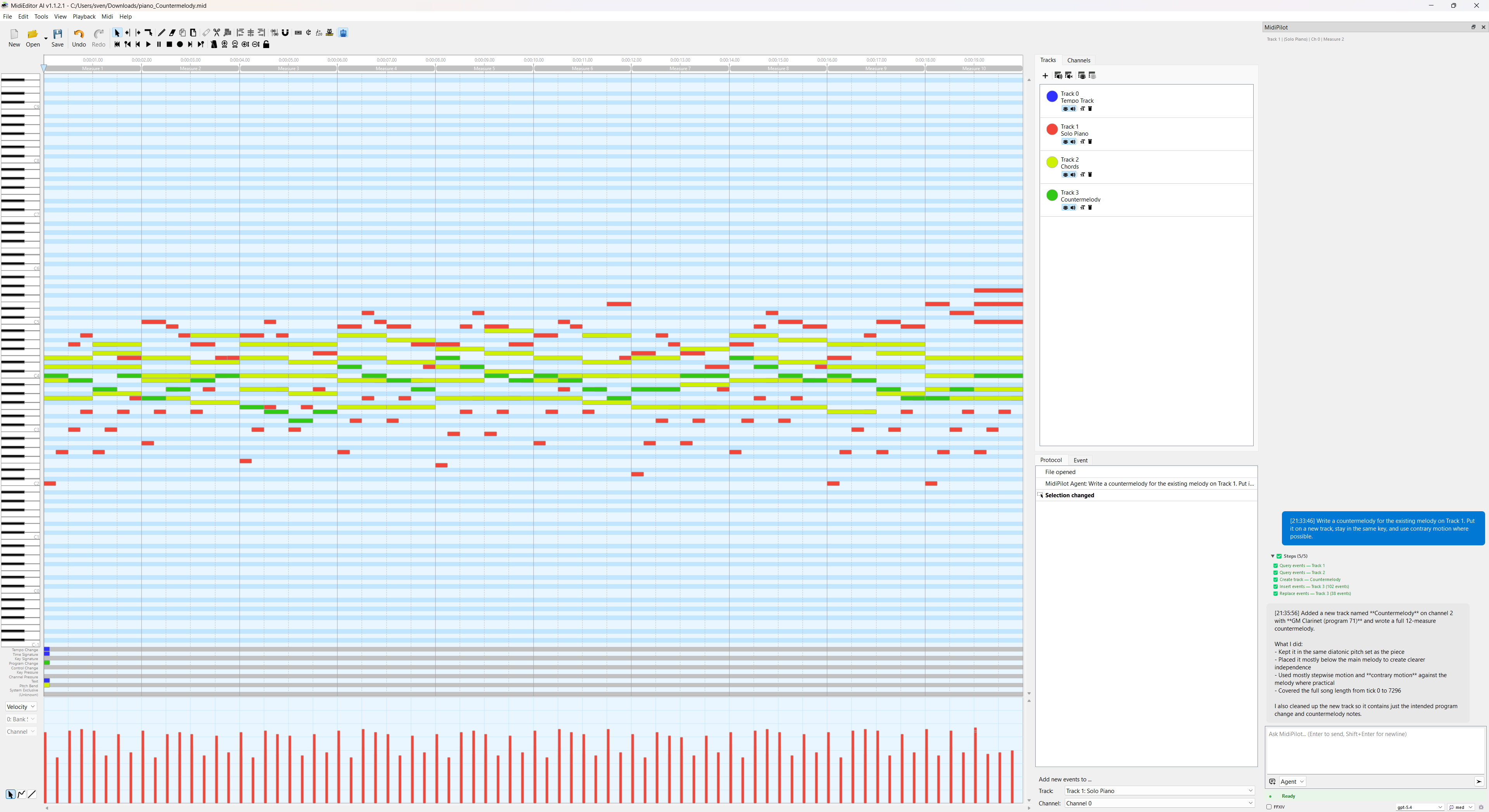
Write a countermelody for the existing melody on Track 1. Put it on a new track, stay in the same key, and use contrary motion where possible.
🎼 Arrangement & Orchestration
Build up arrangements from existing parts or create full orchestrations.
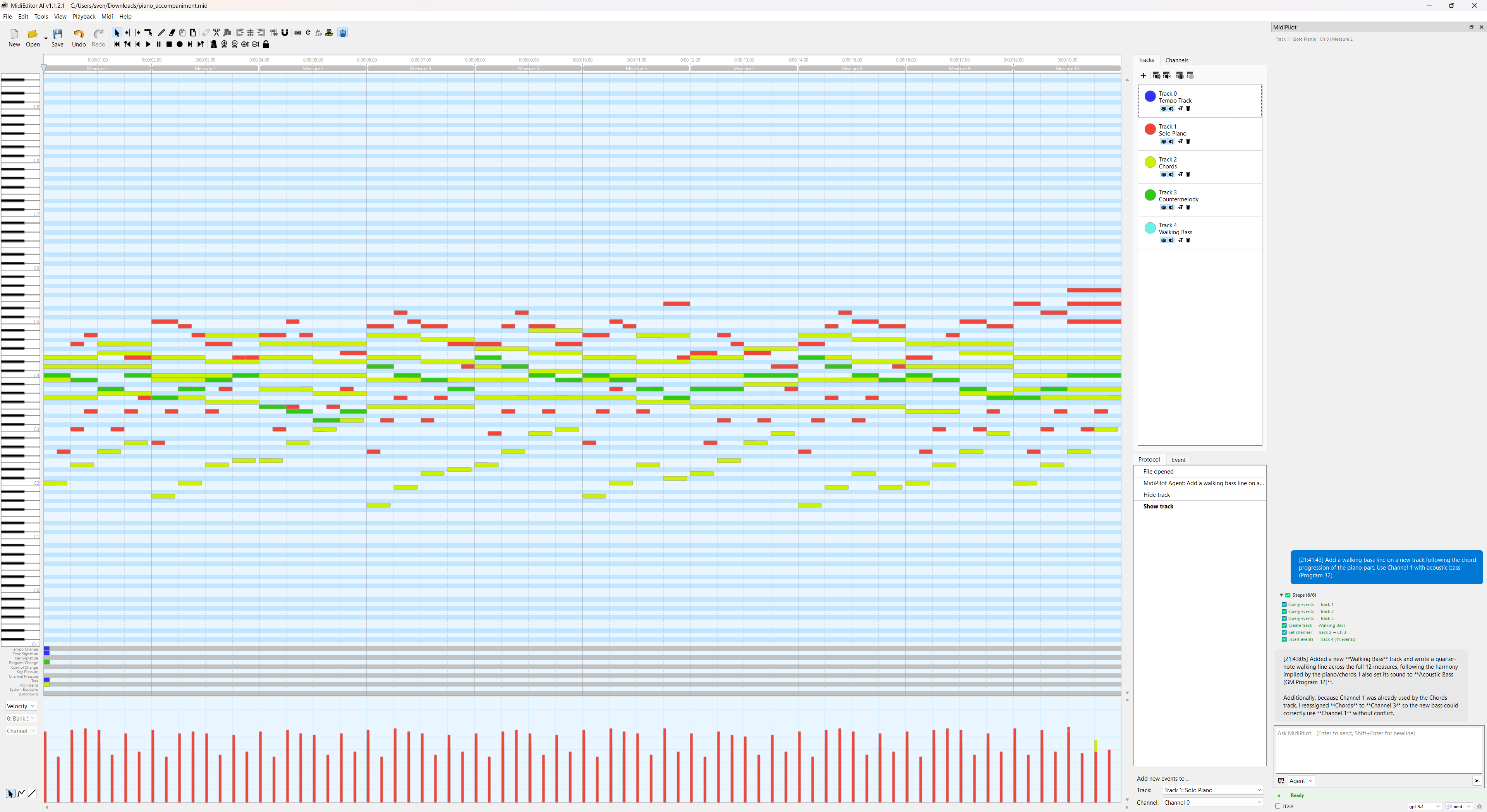
Add a walking bass line on a new track following the chord progression of the piano part. Use Channel 1 with acoustic bass (Program 32).
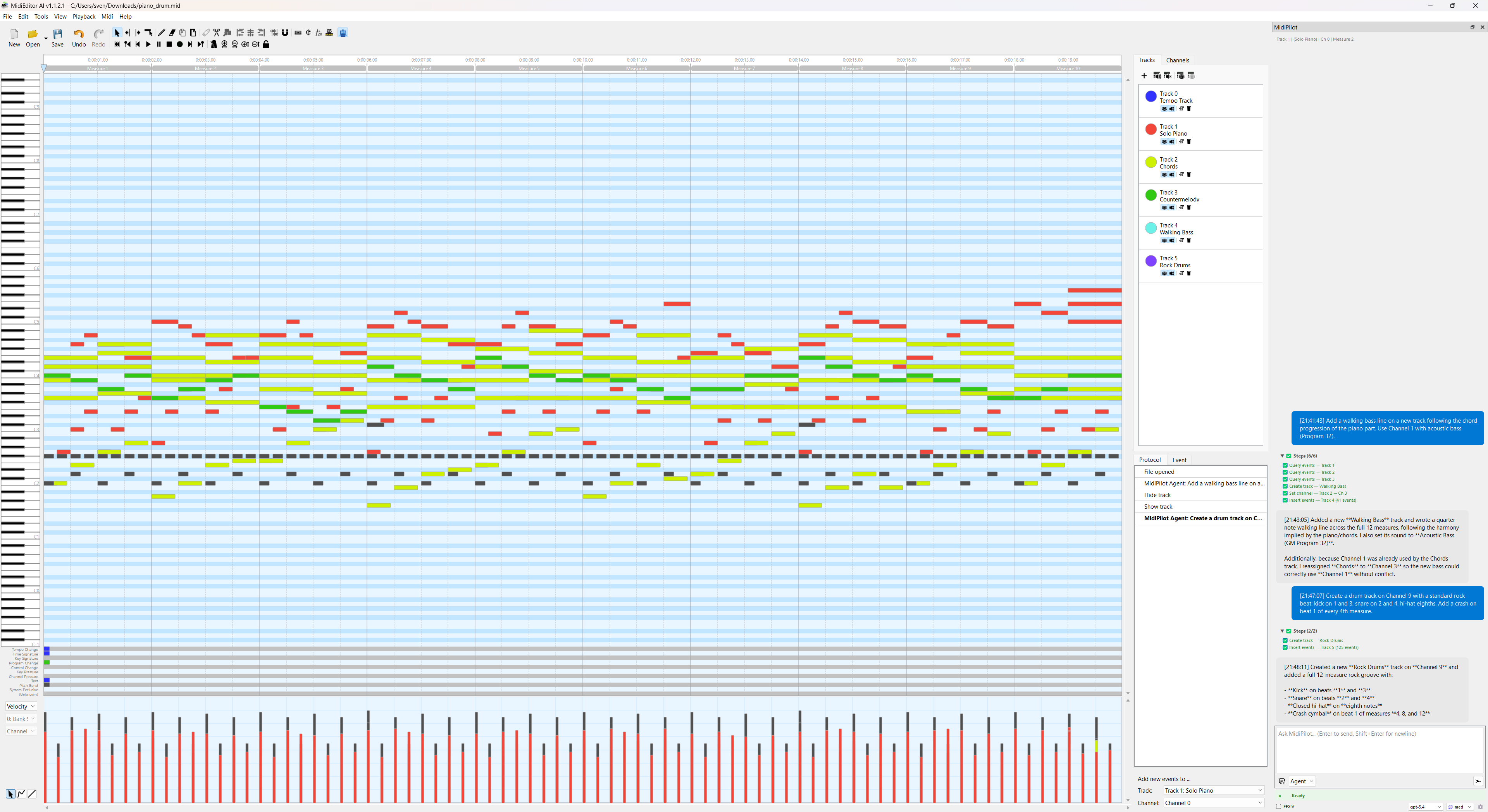
Create a drum track on Channel 9 with a standard rock beat: kick on 1 and 3, snare on 2 and 4, hi-hat eighths. Add a crash on beat 1 of every 4th measure.
Copy the melody from the Flute track onto a new track called Violin, then transpose that copy down an octave so the two play the same line in octaves. Leave the original untouched.
The piano track plays three-note chords. Split it voice by voice onto separate tracks - highest note first - so each line can be played by a single instrument, and name the new tracks after what they are.
Take the piano melody on Track 1 and orchestrate it for strings: violins play the melody, violas play a harmony a third below, cellos play a simplified bass line, and double bass plays pedal tones on the root.
Convert this classical piece into a bossa nova arrangement. Change the tempo to 130 BPM, add a bossa rhythm guitar pattern, a syncopated bass, and a light drum groove.
🔄 MIDI Conversion & Cleanup
Fix, reorganize, and clean up MIDI files.
This part was written at 90 BPM but the project runs at 180. Move it to 180 BPM so the bars line up again, while it still takes exactly as long to play as it does now. Show me what would change before you touch anything.
Move all notes from Channel 0 to Channel 2, and reassign the drums from Channel 5 to Channel 9
This file has all notes on a single track. Split them into separate tracks by channel - one track per channel, named by their GM instrument.
Remove all notes shorter than 10 ticks (ghost notes) and delete any empty tracks
Clamp all notes to the range C2-C7. Transpose any notes outside this range by octaves until they fit.
🎮 FFXIV Bard Performance
Enable the FFXIV checkbox before sending these prompts. MidiPilot will enforce Final Fantasy XIV Bard Performance rules: C3-C6 range, monophonic, max 8 tracks, tonal drum mapping. In Agent mode you can also just say what you want - MidiPilot can switch the mode on itself when a request is clearly about a bard performance.
Convert this song into FFXIV Bard Performance Octet. Please add the following instruments: Flute, Violin, Harp, Lute, Piano, Snare Drum, Bass Drum, Cymbal.
Compose an 8-bar FFXIV bard-ready piece in A minor with harp melody, lute chords, and flute countermelody
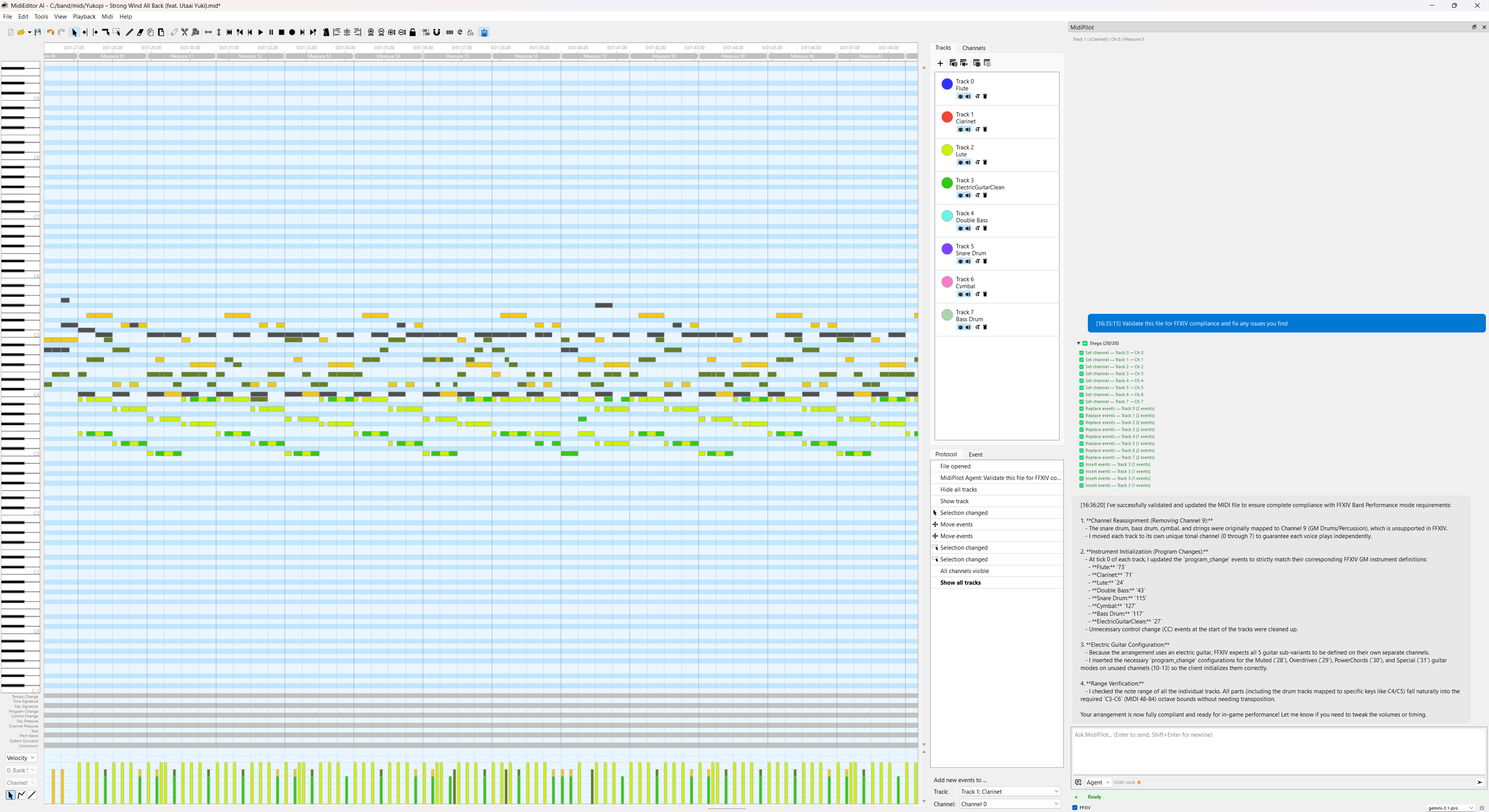
Validate this file for FFXIV compliance and fix any issues you find
❓ Questions About the Editor
Not every question is about the music. MidiPilot can also answer questions about MidiEditor AI itself: it searches the built-in manual, reads the matching section and answers from it, naming the page it used - so you can open that page and read on. Use plain “how do I…” language; you do not need to know what a feature is called.
How do I split a GM drum kit into separate FFXIV drum tracks?
What does the voice-load lane show me, and what should I do about a red peak in it?
Where do I change the colours of the editor, and can I make my own theme?
💡 Prompt Writing Tips
- Be specific: Include tempo, key, length, and instrument names for best results
- Use Agent mode for multi-step tasks (composing, arranging, orchestrating)
- Use Simple mode for quick single-step edits (transpose, velocity, delete)
- Reference tracks by name or number: “Track 1” or “the Piano track”
- Iterate: Start with a basic composition, then refine with follow-up prompts
- Use the context range setting to control how much of the file the AI sees
- Check the API log if something doesn’t work as expected